

Key Takeaways
Summary
18 items · 30-60 minutes
Why Subscription Fatigue Happens - and Why It Costs You
App subscriptions are designed to be easy to start and easy to forget. A $2.99 trial here, a $9.99 annual plan there - individually they feel trivial, but collectively they can represent a meaningful monthly drain. Researchers and financial planners consistently note that consumers tend to underestimate recurring digital spending, often by $50 or more per month.
Subscription fatigue sets in when the number of active plans exceeds what you can realistically track. Streaming services, cloud storage tiers, productivity apps, fitness platforms, news outlets - each made sense at sign-up. Over time, usage drops but billing continues. This checklist gives you a systematic way to find every active subscription, evaluate whether it still earns its cost, and take action.
This kind of audit fits naturally into a broader effort to organize your digital life, and it pairs well with a full spending audit if you want to address all recurring costs at once.
Deleting an App Doesn't Cancel Its Subscription
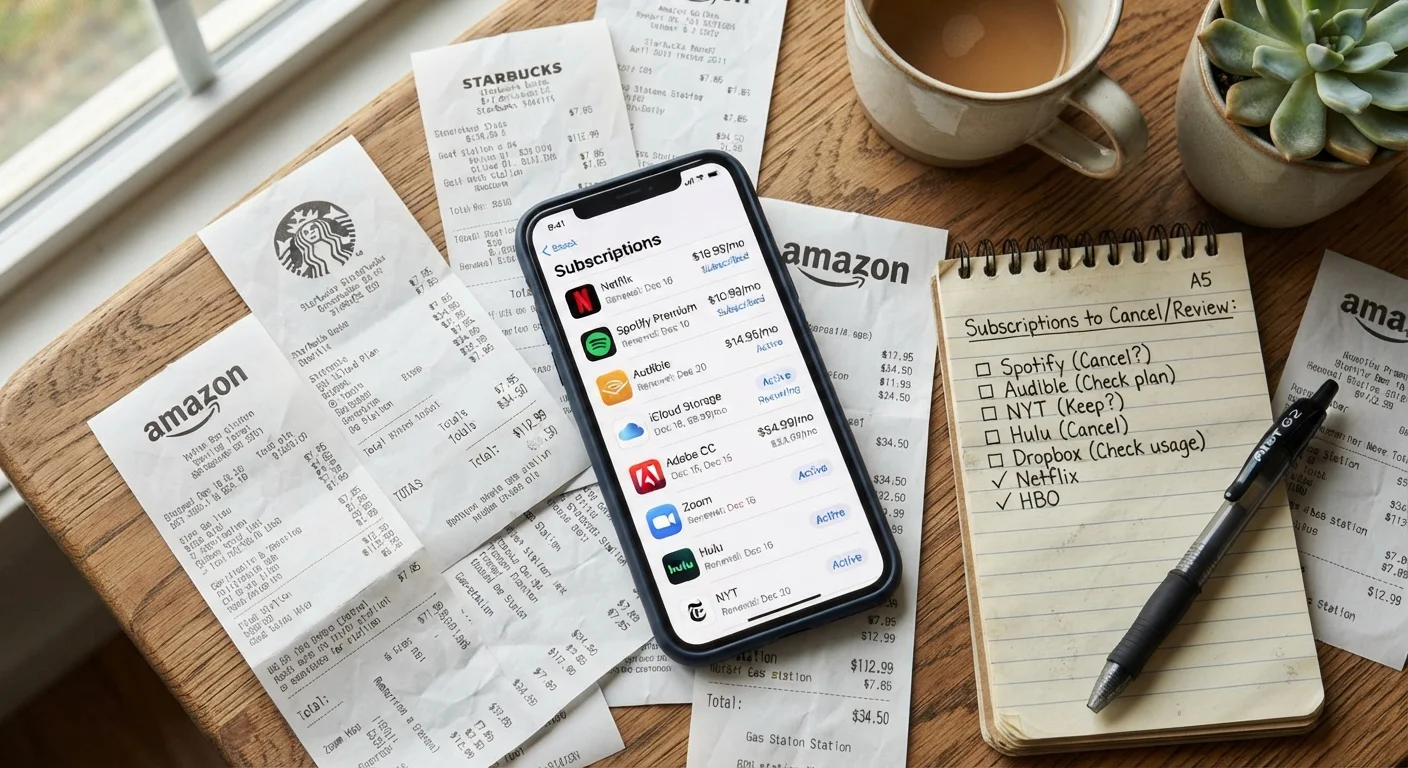
This is one of the most common and costly misconceptions in app management. On both iOS and Android, removing an app from your device does not stop the billing. You must cancel through the platform's subscription management screen - or directly with the service provider - before billing will stop. Always confirm cancellation with a confirmation email or status change in your subscription list.
Tools You'll Need Before You Start
You don't need specialized software to run this audit - most of what you need is already on your devices. Gather the following before you begin.
Apple ID / App Store (iOS)
The built-in subscription manager for all apps and services billed through Apple - no third-party tool required.
Google Play Store (Android)
The native subscription manager for all Google-billed app subscriptions on Android devices.
Bank or credit card statements (3 months)
Catch subscriptions billed directly by providers that bypass the app store billing systems.
Email search
Surface forgotten confirmation emails and renewal notices that reveal subscriptions not visible on statements.
Spreadsheet or notes app
Build and maintain your master subscription list throughout the audit.
Subscription tracking app
Optional tools that automatically detect and log recurring charges from linked accounts to simplify ongoing monitoring.
The Subscription Audit Checklist
Work through each group in order. The first two groups focus on discovery - finding every subscription before you make any decisions. The third group is evaluation, and the fourth is action.
Discovery: Find Every Subscription
Discovery: Build Your Master List
Evaluation: Assess Each Subscription
Action: Cancel, Downgrade, or Keep
Cancellation Doesn't Always Mean Immediate Access Loss
On most platforms, canceling a subscription stops future renewals but preserves your access until the current billing period ends. This means you can cancel today and still use the service through its paid term without losing anything. Confirm this with each specific service, as terms vary - but for the vast majority of consumer apps, you are not penalized for canceling mid-cycle.
Once you've completed the audit, consider whether any paid subscriptions duplicate functionality already available to you for free. Your phone's built-in apps are worth a second look - see our guide on what stock iOS and Android apps can actually do. For a parallel review of your account security posture, the online safety audit checklist is a logical next step.
Subscription audits are also worth repeating - twice a year is a reasonable cadence. If you want to go further on the spending side, the patterns that quietly drain household budgets piece covers related traps like loyalty-program fees and convenience markups. Both audits together give you a clearer view of where discretionary money actually goes, which is foundational to any budgeting strategy.