

Key Takeaways
Password Manager
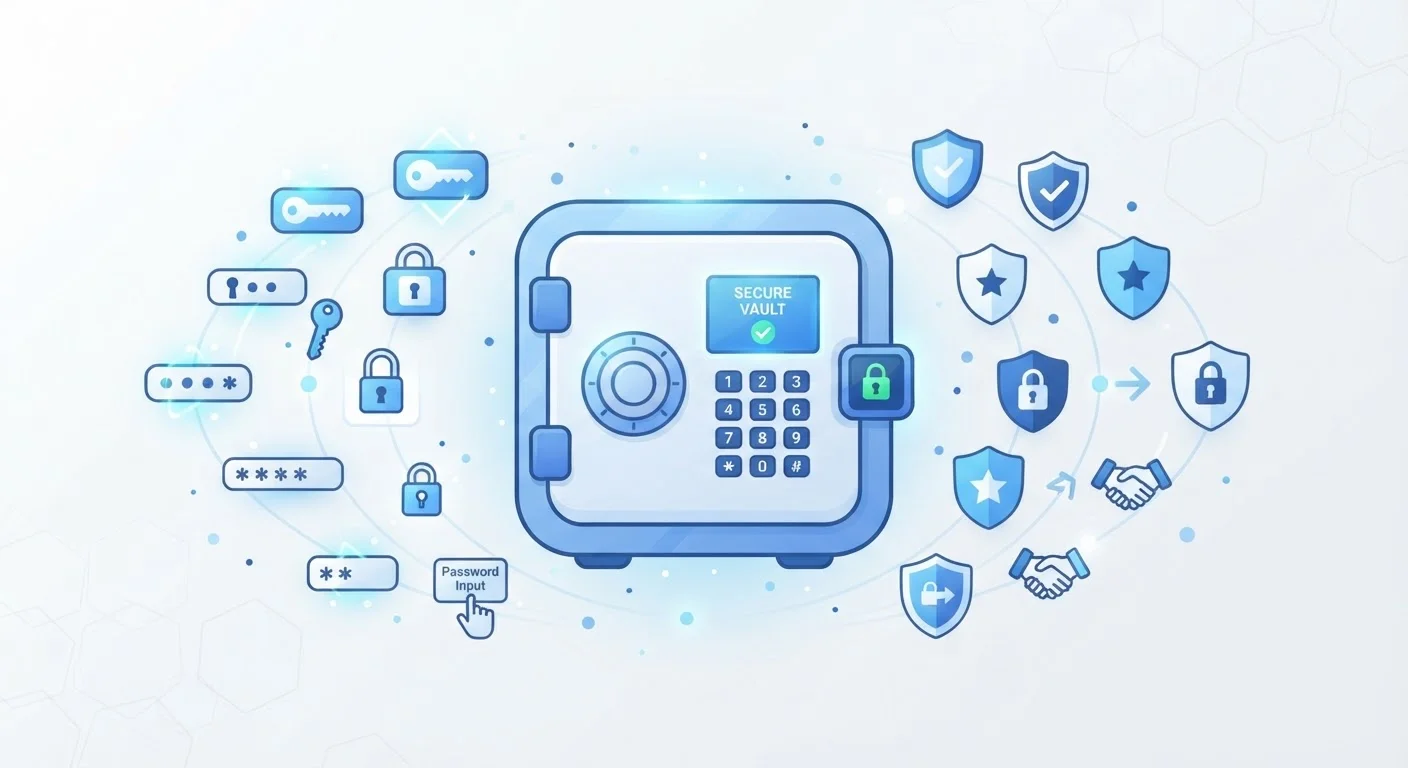
A password manager is an application that securely stores all of your login credentials - usernames, passwords, and sometimes payment details - in one encrypted vault. You unlock that vault with a single master password, and the app takes care of filling in your credentials automatically when you visit websites or open apps. This means you only need to remember one strong password instead of dozens.
Most password managers use AES-256 encryption and a zero-knowledge architecture, meaning the provider itself cannot read your stored data - only your device can decrypt it using your master password.
The Problem Password Managers Solve
The average person manages dozens of online accounts - banking, email, shopping, streaming, and more. Security guidance consistently recommends using a long, unique password for every account. The catch: no human brain is realistically built to memorize 50-plus complex, distinct passwords.
The common workarounds are all risky. Reusing the same password across sites means a single breach can expose every account you own. Writing passwords on sticky notes leaves them physically exposed. Storing them in a plain text file or notes app offers no protection if your device is compromised.
Password managers exist to close this gap. They give you a single secure place to store all credentials, a tool to generate complex passwords you'd never create manually, and autofill functionality that makes logging in faster - not slower. For a broader look at your overall security posture, the Online Safety hub offers a range of practical guides.
~80%
Of data breaches linked to weak or reused passwords
Verizon's Data Breach Investigations Report has consistently found that compromised credentials are a leading factor in data breaches across industries.
100+
Average online accounts per person
Research from NordPass and similar firms has estimated that the average internet user maintains well over 100 accounts requiring credentials.
AES-256
Encryption standard used by leading password managers
AES-256 is the same encryption standard used by financial institutions and government agencies to protect sensitive data.
How Encryption Protects Your Vault
When you create an account with a password manager and set your master password, the app uses that password as the key to encrypt everything inside your vault. The encryption process scrambles your stored credentials into unreadable data. Without the correct master password, that data is essentially useless to anyone who intercepts it.
The term you'll encounter most is zero-knowledge architecture. This means the password manager provider holds encrypted data on their servers, but they do not have the key to decrypt it. Your master password never leaves your device in a readable form - only a cryptographic derivative is used to unlock the vault locally. Even if the company's servers were breached, attackers would obtain only encrypted blobs, not your actual passwords.
“The best password is one you can't remember - because you don't have to. Using a password manager means every account gets a unique, complex credential, and you only have to protect one thing well: the master password.”
— Security researcher paraphrase, Widely cited principle in cybersecurity education and practitioner guidance
This design also means you carry full responsibility for your master password. There is no "forgot password" button that restores full access the way email-based resets work on most sites. Treat your master password as the most important credential you own.
What Happens When You Autofill
The autofill feature is where the everyday convenience becomes clear. When you navigate to a login page, the password manager's browser extension or mobile app detects the site's domain and looks for a matching entry in your vault. If it finds one, it offers to fill in your username and password with a single tap or click.
This matching process also serves as a quiet anti-phishing check. Because the manager matches on the exact web address (domain), it will not autofill credentials on a lookalike site designed to steal your login - a site that looks like your bank but has a slightly different URL. Your credentials simply won't appear as an autofill option, which is a natural cue that something is off.
Use Autofill as a Phishing Check
If you land on a login page and your password manager doesn't offer to autofill, stop before typing anything. The manager matches on the exact domain, so a missing autofill prompt often means the URL isn't what it appears to be. Always verify the web address in your browser bar before entering credentials manually.
Password managers also include built-in generators that create randomized, high-entropy passwords - strings like x7!Kp#2mQr94 - on demand. When you create a new account or update an old password, the generator handles it so you never need to think of one yourself. The new credential is saved to your vault instantly.
Syncing, Sharing, and Going Further
Most password managers sync your vault across devices through an encrypted cloud connection, so a password you save on your laptop is immediately available on your phone. Some services also support secure credential sharing - useful for household accounts - without ever exposing the actual password in plain text.
Many apps also monitor whether your stored credentials have appeared in known data breaches, alerting you when it's time to update a compromised password. This pairs naturally with the habits covered in our guide on why strong passwords still get stolen.
For a complete security review that incorporates password management, our online safety audit checklist walks through every major area. And because a password manager protects the front door to your accounts, combining it with two-factor authentication forms a much stronger defense - the two methods are explained side by side in our 2FA explainer.
Browser Password Saving Is Not the Same
Most browsers offer to save and autofill your passwords, which is better than nothing - but it's a different tool with different security trade-offs. Dedicated password managers generally offer stronger encryption controls, cross-browser availability, and more granular security features. See how the two approaches compare before deciding which fits your workflow.