

Key Takeaways
Two-Factor Authentication (2FA)
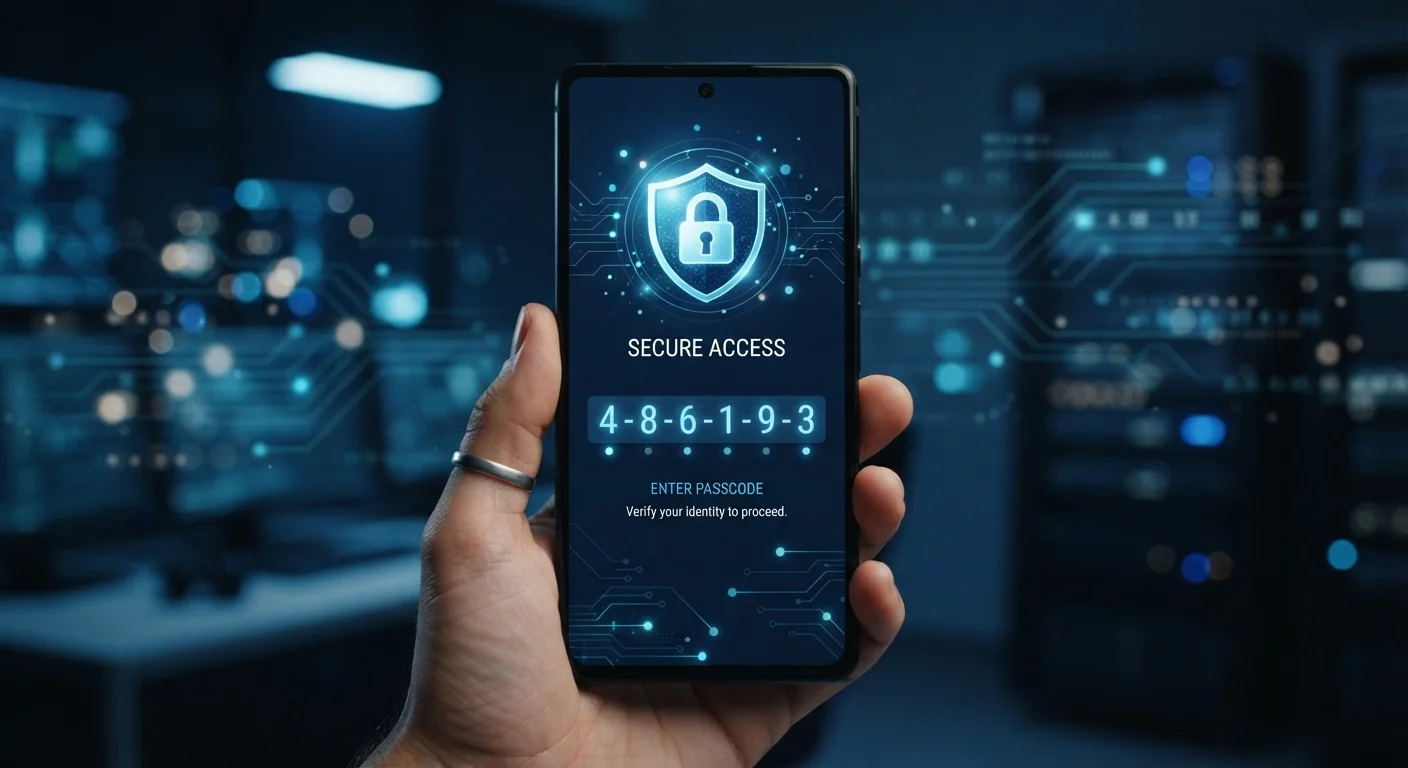
Two-factor authentication is a security process that requires you to verify your identity in two distinct ways before accessing an account. The first factor is usually your password; the second is something else - like a code sent to your phone or generated by an app. Even if someone steals your password, they still can't log in without that second factor.
2FA is a subset of multi-factor authentication (MFA), which can require three or more factors. Factors are categorized as something you know (password), something you have (a device), or something you are (biometrics).
How Two-Factor Authentication Works
When you log into an account with only a password, you're relying on a single line of defense. Two-factor authentication (2FA) adds a second, independent checkpoint. Before access is granted, you must prove your identity through a second method entirely separate from your password.
The logic is straightforward: even if an attacker obtains your password - through a data breach, phishing email, or malware - they still can't get in without that second factor. As detailed in our explainer on why strong passwords still get stolen, a complex password alone isn't a complete defense. 2FA is one of the most effective layers you can add.
The three broad categories of authentication factors are:
- Something you know - a password or PIN
- Something you have - a phone, authenticator app, or hardware key
- Something you are - a fingerprint or face scan
Standard 2FA typically combines the first two categories.
99.9%
Automated attacks blocked by MFA
According to Microsoft's internal security data, enabling multi-factor authentication blocks over 99.9% of automated account compromise attempts.
~80%
Data breaches involving compromised credentials
Verizon's Data Breach Investigations Report has consistently found that a large majority of hacking-related breaches involve stolen or weak passwords.
SMS Codes: Convenient but Vulnerable
The most widely deployed form of 2FA sends a one-time code to your mobile phone via text message. You enter that code alongside your password, and access is granted. It's familiar and easy to set up, which explains its prevalence.
However, SMS-based 2FA has a well-documented weakness: it depends on the security of the phone network and your mobile carrier account. Attackers who can convince a carrier to transfer your phone number to their SIM card - an attack known as SIM swapping - can intercept those codes. Codes sent via text can also be captured by malware on a compromised device, or forwarded by a user who's been socially engineered in real time.
SIM Swapping Is Real but Targeted
SIM-swapping attacks - where a criminal convinces your mobile carrier to transfer your number - require deliberate effort and are typically aimed at specific, high-value targets rather than random account holders. For most users, SMS-based 2FA still provides a meaningful improvement over no second factor at all. Those with elevated risk profiles, such as public figures or people holding significant financial assets, have stronger reasons to prioritize app-based or hardware key methods.
This doesn't mean SMS 2FA is useless. Researchers consistently find it blocks the overwhelming majority of automated credential-stuffing attacks. If SMS is the only option a service offers, enabling it remains the right call.
Authenticator Apps: A Meaningfully Stronger Option
Authenticator apps - a category of software rather than any single product - generate time-based, one-time codes directly on your device. These codes refresh every 30 seconds and are calculated using a shared cryptographic key established when you first set up the account. Critically, they never travel over a phone network, so SIM-swapping attacks can't intercept them.
Setup typically involves scanning a QR code displayed by the service you're protecting. After that, the app works entirely offline.
Set Up Authenticator Apps Before You Need Them
When configuring an authenticator app, most services will show you a set of one-time backup codes. Save these codes immediately - in a printed document stored securely, or in a secure section of your password manager. If you ever lose or replace your phone, these codes can restore access to your accounts.
Authenticator app codes are still phishable in theory - a convincing fake login page could prompt you to enter one in real time. But the 30-second window makes this significantly harder to execute at scale compared to password-only attacks.
Pairing an authenticator app with a strong, unique password - ideally managed with a dedicated tool as described in our guide to how password managers work - substantially raises the bar for attackers.
Hardware Security Keys: The Strongest Layer Available
Hardware security keys represent the most robust consumer-grade 2FA option available. These small physical devices use public-key cryptography to verify that you are logging in from a legitimate site - not a convincing imitation. Because the key's response is cryptographically bound to the actual domain you're visiting, phishing pages cannot harvest usable credentials from it.
This phishing resistance is the defining advantage over other 2FA methods. The key confirms both your presence and the authenticity of the site simultaneously.
Hardware keys are particularly worth considering for high-value accounts: primary email, financial accounts, and any account that could serve as a recovery pathway for others. For most everyday accounts, an authenticator app offers an excellent balance of security and convenience.
Whether you use SMS, an authenticator app, or a hardware key, enabling 2FA on your most important accounts is one of the highest-impact security decisions you can make - far ahead of most other measures in terms of effort-to-protection ratio. For further context on building a layered approach, see our overview of password managers vs. browser-saved passwords.