

Key Takeaways
Why Fake Websites Are So Convincing
Modern phishing and fraudulent shopping sites are built to pass a casual glance. Scammers copy logos, color schemes, and page layouts from legitimate businesses with relative ease. They obtain real SSL certificates - the source of the padlock icon - so even that familiar trust signal no longer distinguishes genuine sites from impostors. Understanding the gap between surface appearance and actual legitimacy is the starting point for protecting yourself.
Fraudulent sites typically arrive via one of three channels: a link in a phishing email or text message, a deceptive paid search ad, or a lookalike domain that ranks in organic search results. To understand how those initial contact points work, see our overview of phishing, smishing, and vishing attacks. The steps below focus on what to do once you land on a page you are not sure about.
HTTPS Is Not a Trust Guarantee
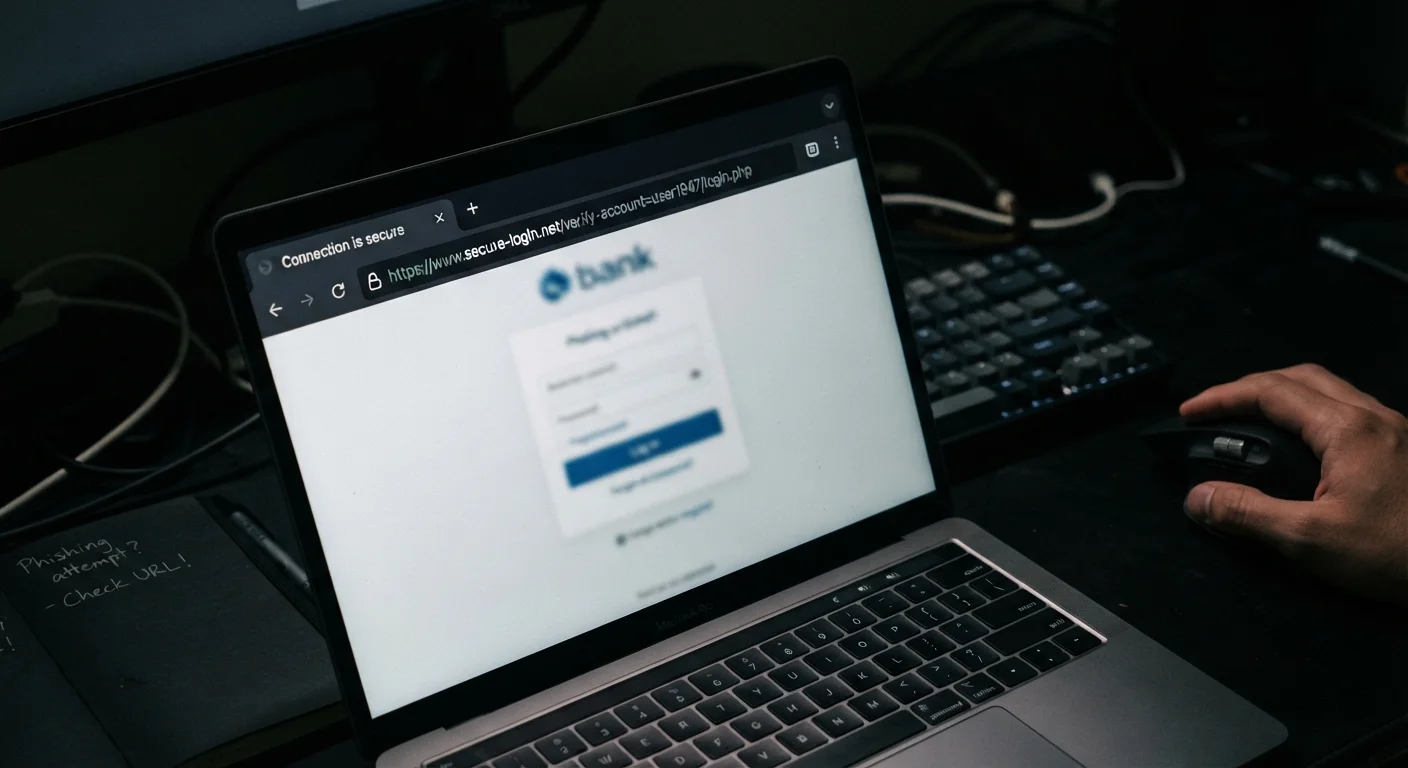
A padlock icon in the address bar only confirms that your connection to the site is encrypted - it says nothing about whether the site owner is legitimate. Many phishing sites obtain valid SSL certificates specifically to appear trustworthy. Always combine the padlock check with the other signals listed here.
Tools and What You Need
You do not need specialized software to verify most websites. The checks below rely on your browser, a few free online tools, and methodical observation.
What you will need
WHOIS Lookup Tool
Reveals domain registration date, registrar, and ownership details - useful for spotting newly created sites impersonating established brands.
Google Safe Browsing Transparency Report
Allows you to check whether Google has flagged a URL as dangerous or deceptive.
Reverse Image Search (e.g., Google Images)
Identifies stolen product or brand imagery that fraudulent sites commonly reuse from legitimate sources.
Browser built-in security warnings
Modern browsers flag known phishing and malware sites with interstitial warning pages - pay attention and do not click through.
How to Verify a Site Before You Type Anything
Work through these steps in order. If a site fails even one, treat it with heightened skepticism and consider finding the service you need through a directly typed, known-good URL instead.
Never Enter Data on an Unverified Site
Once you submit personal or financial information to a fraudulent website, you cannot take it back. Stolen credentials and payment details are often sold or misused within hours. Apply these checks before you type anything - not after you notice something feels wrong.
Examine the URL character by character
Look at the full address in the browser bar - not just the page content. Scammers register domains that swap letters or add words to mimic real brands: paypa1.com, amazon-support-login.net, or bankofamerica.secure-login.com. The real domain is always the portion immediately left of the first single slash, so identify the root domain and compare it against the official one you already know.
Check the domain's registration age with WHOIS
Fraudulent sites are often created days or weeks before a scam campaign. Paste the domain into any free WHOIS lookup service to see when it was registered. A domain claiming to represent a long-established company but registered within the last few months is a strong red flag. Also note whether contact and registrant details are fully hidden - excessive privacy masking on a commercial site warrants extra scrutiny.
Run the URL through Google Safe Browsing
Go to the Google Safe Browsing Transparency Report (transparencyreport.google.com/safe-browsing/search) and paste in the full URL. The tool reports whether Google has flagged the page for phishing, malware, or deceptive content. This check takes under 30 seconds and adds a meaningful layer of verification, though it cannot catch brand-new sites not yet indexed.
Evaluate the site's contact and policy pages
Scroll to the footer and look for a physical address, phone number, and a functioning contact email. Click through to the Privacy Policy and Return or Refund Policy if present. Legitimate businesses publish these in plain, specific language. Vague, template-filled, or entirely absent policies - particularly on e-commerce sites - are a consistent indicator of fraud. If the contact email uses a free provider (like Gmail) rather than the site's own domain, treat that as suspicious.
Search for independent reviews and press mentions
Open a new tab and search the business name plus terms like reviews, scam, or complaints. Check the Better Business Bureau (bbb.org) and consumer review platforms for corroborating evidence of real customer interactions. A business with no external footprint - no news mentions, no social media history, no independent reviews - should be treated with significant skepticism before you enter any personal or payment information.
Trust your browser warnings and your instincts
If your browser displays a red warning screen, do not click past it. If something about a site feels off - unusual fonts, broken images, awkward phrasing, pressure to act immediately - pause and cross-check before proceeding. Urgency and fear are deliberate design choices on fraudulent sites. When uncertain, navigate directly to the known official domain rather than using any link that brought you there.
Bookmark Sites You Use Regularly
For banking, healthcare portals, and shopping accounts you visit often, save the verified official URL as a browser bookmark. Navigating via your bookmark eliminates the risk of landing on a lookalike domain through a search result or email link.
After You've Verified - Staying Vigilant Over Time
Passing these checks today does not mean a site is safe indefinitely. Legitimate domains can be compromised, sold, or allowed to expire and re-registered by bad actors. Make these checks a habit whenever a site asks for credentials or payment details - especially if you arrived via a link rather than a bookmark.
For a broader look at maintaining your digital security posture across devices and accounts, the complete online safety audit provides a structured checklist you can revisit regularly. If you're also setting up connected devices at home, the guidance on what to check before setting up a new smart home device applies similar verification thinking to hardware and network security.