

Key Takeaways
Our Verdict
Spreadsheets and budgeting apps each solve a real problem. Spreadsheets reward users who want granular control and are willing to invest time in setup and maintenance. Apps are better suited to people who need automation and low-friction daily check-ins to stay consistent. Neither is objectively superior - the right choice is whichever one you'll actually use.
| Best for | Recommended |
|---|---|
| Detail-oriented budgeters who want full control | Spreadsheet |
| Busy individuals who prefer automation and reminders | Budgeting App |
| Those with privacy concerns about sharing bank credentials | Spreadsheet |
| New budgeters who want a guided, low-setup experience | Budgeting App |
Why the Tool You Choose Actually Matters
A budget only works if you use it consistently. That's not a cliché - it's the central reason why choosing the right format matters more than any particular budgeting philosophy. A perfectly designed spreadsheet you open once a month delivers far less value than a simple app you check daily.
Both spreadsheets and dedicated budgeting apps have helped millions of Americans take control of their finances. The question isn't which one is better in the abstract - it's which one fits how you actually think, work, and spend. For a broader look at daily tracking habits that stick, see practical ways to monitor where your money goes.
| Spreadsheet | Budgeting App | |
|---|---|---|
| Cost | Free or low-cost | Often subscription-based |
| Setup effort | High - manual build required | Low - guided onboarding |
| Transaction entry | Manual input only | Automatic bank syncing |
| Customization | Fully customizable | Limited to app's structure |
| Data privacy | Data stays on your device | Shared with third-party servers |
| Mobile access | Possible but less seamless | Designed for mobile use |
| Spending alerts | Manual monitoring only | Automated notifications |
| Best for | Control-focused, detail-oriented users | Busy users who need automation |
What Spreadsheets Do Well
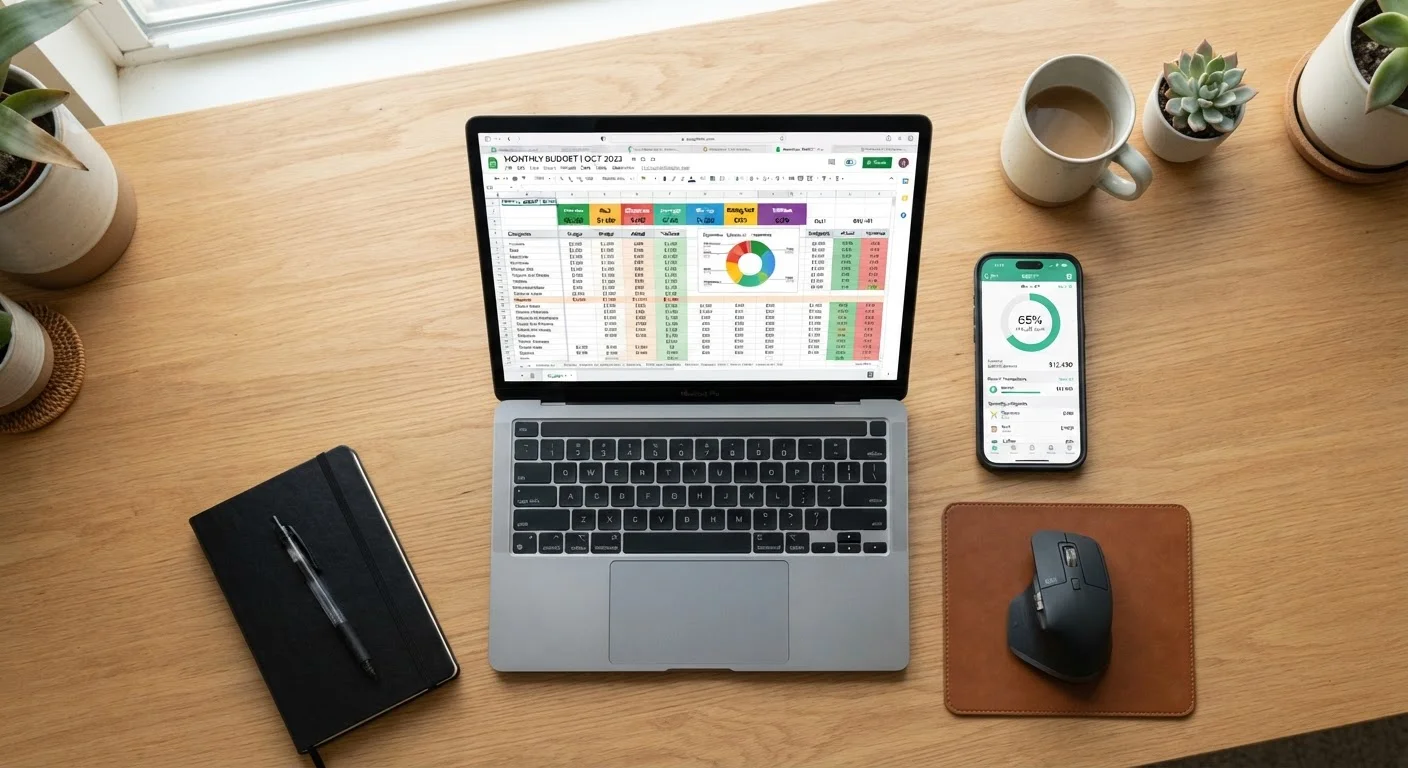
A spreadsheet - whether built in Google Sheets, Microsoft Excel, or a similar tool - puts you entirely in charge of the structure. You decide the categories, formulas, visual layout, and level of detail. That flexibility is genuinely powerful for people who have specific financial situations that pre-built apps don't accommodate well, such as irregular income, multiple household accounts, or complex savings goals.
Spreadsheets are also free or low-cost, require no account creation, and keep your financial data entirely on your own device or private cloud storage. For people uncomfortable linking bank accounts to third-party services, this is a significant advantage.
The tradeoff is manual effort. Every transaction must be entered by hand, categories must be maintained, and formulas can break if you're not careful. The learning curve varies - someone comfortable with basic formulas can build a functional budget in an afternoon, while others may find the setup daunting.
Start Simple Before Going Elaborate
If you're new to spreadsheet budgeting, resist the urge to build something complex from day one. A basic template with five to eight spending categories and a running monthly total is enough to start building the habit. You can add detail and formulas once you've been consistent for a month or two. Complexity added before the habit is formed often leads to abandonment.
What Budgeting Apps Do Well
Dedicated budgeting apps shine in automation and accessibility. Most connect directly to your bank and credit card accounts, pulling in transactions automatically and categorizing them - often with surprising accuracy. This eliminates the single biggest barrier to consistent tracking: the time and discipline required to log every purchase manually.
Apps also tend to surface insights you might miss in a spreadsheet, such as spending trend alerts, subscription tracking, or month-over-month comparisons. Many include mobile notifications that nudge you when you're approaching a category limit, keeping the budget top-of-mind without requiring you to open a file.
The downsides are real, though. Most capable apps carry a subscription fee. More importantly, connecting your financial accounts to a third-party service introduces data privacy and security considerations that every user should weigh carefully. Read the app's privacy policy and understand how your data is stored and shared before signing up. For context on how installed and web-based tools compare more broadly, see native apps vs. browser-based tools.
Understand App Data Practices Before You Connect
Budgeting apps that sync with financial accounts typically use third-party data aggregators to access your bank information. Before linking accounts, review the app's privacy policy to understand how your data is stored, whether it is sold or shared, and what happens to your data if you cancel. Using a strong, unique password and enabling two-factor authentication on both the app and your bank account are baseline precautions.
Choosing Based on Your Real Habits
The most honest question to ask yourself is: Where do I actually fall short in managing money? If your weakness is forgetting to log purchases, an app's automatic syncing addresses that directly. If your weakness is not understanding where your money goes at a category level, the customizability of a spreadsheet may reveal patterns an app glosses over.
Consider your comfort with technology, too. Some budgeting apps involve a meaningful learning curve of their own - setting up account connections, resolving sync errors, and recategorizing transactions. If that friction frustrates you, a simple spreadsheet may be more sustainable. Understanding the differences between desktop and mobile tools can also help you decide which environment works best for your workflow.
It's also worth noting that these approaches aren't mutually exclusive. Some people use an app for daily transaction tracking and a spreadsheet for monthly planning and long-term goal modeling. If you're exploring specific budgeting frameworks to pair with either tool, zero-based budgeting vs. the envelope method is a useful next read.
~32%
Americans who follow a formal budget
Gallup polling has consistently found that fewer than a third of U.S. adults maintain a detailed household budget, highlighting how many people struggle with consistency regardless of tool.
$60-$100+
Typical annual cost of a budgeting app
Many leading budgeting apps charge annual subscription fees in this range, making the cost-versus-benefit calculation relevant for budget-conscious users.
This article is for informational purposes only and does not constitute personalized financial advice. Consult a qualified financial professional for guidance specific to your situation.