

Key Takeaways
Our Verdict
Each streaming approach serves a different household profile. Smart TVs reduce cable clutter and work well when you don't anticipate needing frequent platform upgrades. Streaming sticks offer low-cost flexibility and travel well. Set-top boxes reward households that want deeper performance, voice control ecosystems, or gaming integration alongside streaming.
| Best for | Recommended |
|---|---|
| Households wanting the simplest possible setup with fewest devices | Smart TV |
| Renters, travelers, or those upgrading an older television affordably | Streaming Stick |
| Power users wanting strong performance, gaming, or deep voice assistant integration | Set-Top Box |
How Each Device Category Actually Works
All three categories accomplish the same core task - pulling video from the internet and displaying it on a screen - but their underlying architectures are meaningfully different.
Smart TVs embed the streaming hardware and software directly into the television panel itself. The processor, RAM, and operating system live inside the TV chassis. When you power on, the TV runs its own platform - such as a manufacturer's proprietary OS - without any external device. This integration is convenient but creates a dependency: software support timelines are controlled entirely by the TV manufacturer, and hardware cannot be upgraded independently of the television.
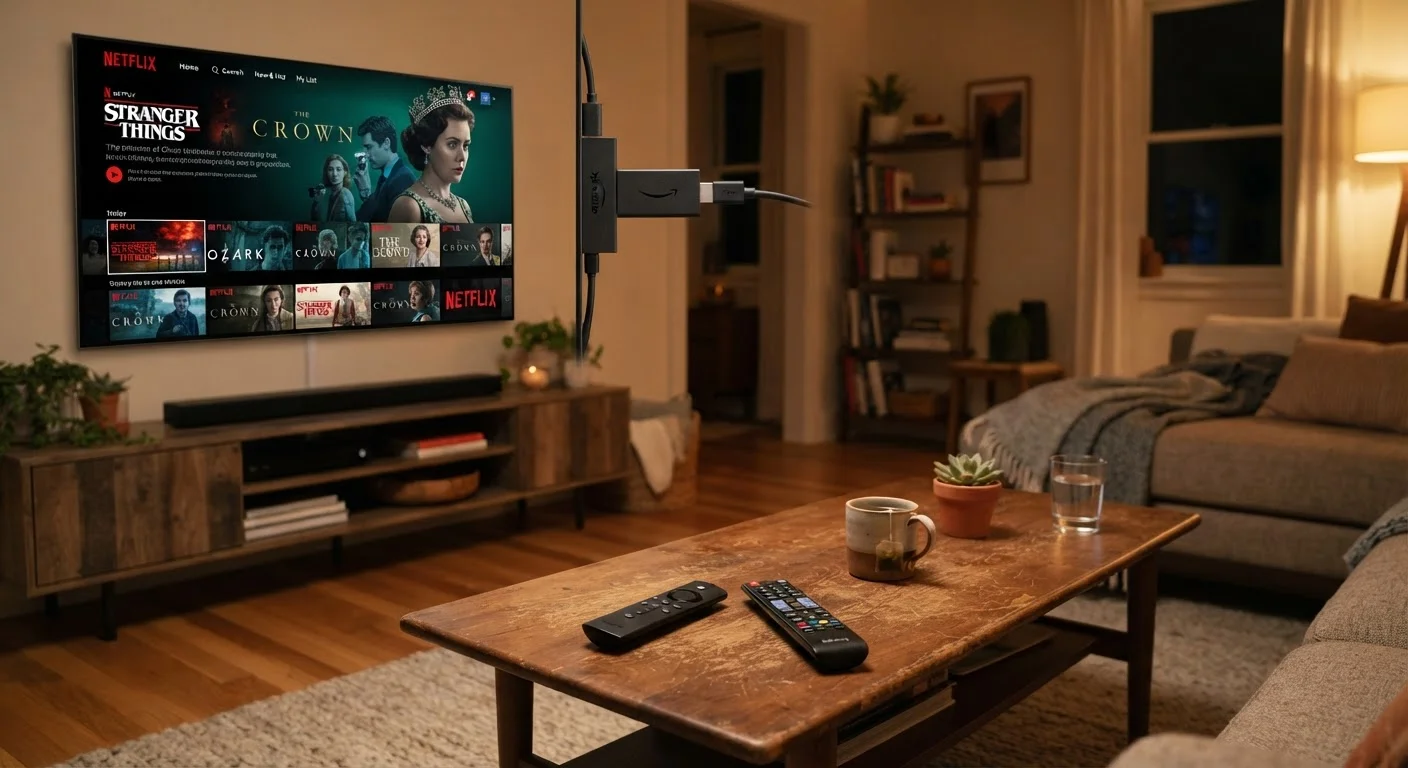
Streaming sticks are compact dongles that plug into a television's HDMI port and draw power from a USB connection. The entire computer - processor, storage, wireless radio, and software - is packed into a device roughly the size of a thumb drive. Because the stick is separate from the display, you can swap or upgrade it without replacing the TV, and you can move it between screens.
Set-top boxes sit on a shelf and connect to the TV via HDMI, typically receiving power from a dedicated AC adapter rather than the TV's USB port. The separate power supply allows manufacturers to fit more capable processors and larger storage volumes into the enclosure. Some set-top boxes also incorporate gaming hardware or home automation hubs alongside streaming. See our setup checklist for new smart home devices for steps to take before any of these devices go live on your network.
Key Trade-Offs Across the Three Approaches
Understanding the architecture helps frame the practical trade-offs consumers encounter.
| Smart TV | Streaming Stick | Set-Top Box | |
|---|---|---|---|
| Setup complexity | Minimal - built in | Very low - plug into HDMI | Low - separate box and cables |
| Upgradability | Not upgradable independently | Replace stick only | Replace box only |
| Typical processing power | Varies widely by price tier | Moderate | Generally highest |
| Portability | None | High - pocket-sized | Low - requires AC power |
| Software support lifespan | Tied to TV manufacturer | Tied to stick manufacturer | Tied to box manufacturer |
| Works with older TVs | N/A - is the TV | Yes, via HDMI | Yes, via HDMI |
| Typical upfront cost | Built into TV price | Lower add-on cost | Moderate add-on cost |
Software longevity is the sharpest distinction. Smart TV manufacturers typically support a platform for three to five years after the TV ships, after which the built-in apps may stop receiving updates even though the panel itself still works perfectly. A streaming stick or set-top box can be replaced independently, so your software ecosystem stays current without requiring a new television.
Privacy and data collection also varies. Smart TVs have faced scrutiny over automatic content recognition (ACR) - technology that can sample what's displayed on screen and share viewing data with the manufacturer and advertisers. Streaming sticks and set-top boxes have their own data practices, but because they operate as discrete devices, users can sometimes manage them more granularly. Reviewing privacy settings at setup is worth the time regardless of which approach you use. Our guide on securing every screen in a multi-device household walks through a practical framework.
Check Privacy Settings Before First Use
All three device types collect some form of usage or viewing data by default. Before watching anything, navigate to the settings menu and review data-sharing, advertising ID, and ACR options. Disabling automatic content recognition on smart TVs in particular can meaningfully reduce passive data collection without affecting streaming functionality.
For households still using a non-smart television - whether an older flat-panel or a monitor repurposed as a display - a streaming stick or set-top box is the only path to streaming without a panel replacement. That makes both categories relevant even for people who aren't buying a new TV.
Performance, Portability, and Long-Term Value
Raw performance follows a rough hierarchy. Set-top boxes typically carry the most capable silicon, which matters for 4K HDR playback, fast app loading, and voice assistant responsiveness. Streaming sticks have improved substantially in recent years and handle most mainstream streaming without stuttering, but processing-intensive tasks - large app libraries, gaming-adjacent features - can show limits. Smart TV processors span a wide range; budget panels often use modest chips that slow down noticeably as app complexity grows over the years.
Portability is an area where streaming sticks have no competition. They slip into a bag and work in any hotel room, vacation rental, or second residence that has a TV with an HDMI input and Wi-Fi. Set-top boxes and built-in smart TV software don't travel in the same way.
Display quality is independent of the streaming device category - it's determined entirely by the television panel. If you're evaluating screen technologies alongside your streaming choice, our comparison of LCD, OLED, QLED, and MicroLED explains how those technologies differ. For context on related connected-screen formats, the trade-offs of smart displays is also worth reviewing.
For consumers thinking through the decision as part of a broader household technology purchase, the Smart Shopping hub offers additional frameworks for confident, value-driven decisions.