

Key Takeaways
Why Every Screen Is Its Own Security Problem
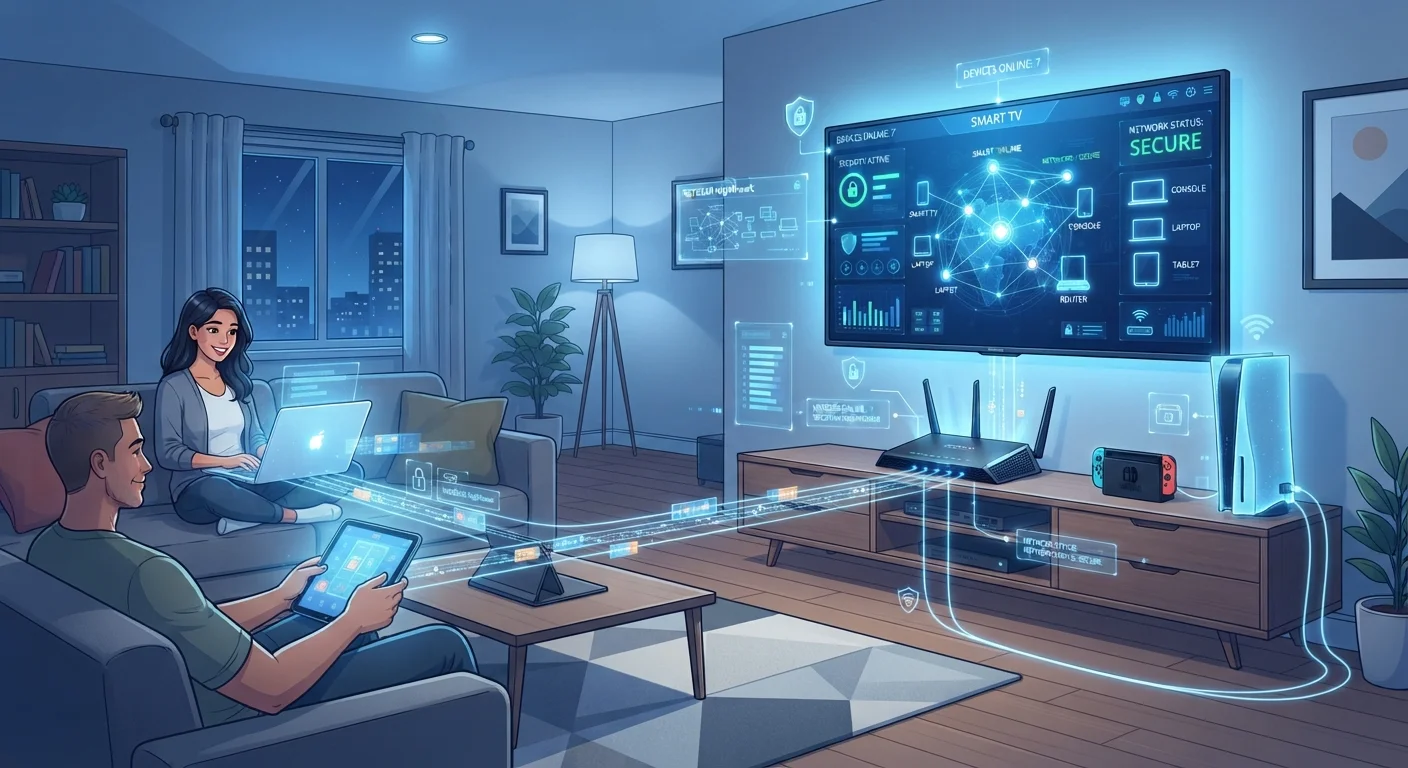
Most households now run far more internet-connected devices than they realize. A single family might have two laptops, three smartphones, a smart TV, a streaming stick, a gaming console, a tablet, and a handful of smart home gadgets - all sharing one home network. Each of those devices represents a separate point where security can succeed or fail.
The challenge is that manufacturers build devices for convenience, not security. Default settings prioritize ease of setup over protection, and devices as different as a gaming console and a smart refrigerator often share the same network segment with your banking laptop. That proximity matters: if one device is compromised, others nearby can be at risk too.
Understanding this doesn't require a technical background. It requires a practical framework - and a habit of treating security as ongoing maintenance rather than a one-time setup task. See our pre-setup checklist for smart home devices to build that habit from the moment a new device arrives.
Change default usernames and passwords on every device and router immediately after setup.
Manufacturers ship devices with identical default credentials that are publicly documented and routinely exploited by automated scanning tools. Changing them to strong, unique passwords eliminates the most trivially easy attack vector. Using a password manager makes maintaining unique credentials across many devices practical.
Enable automatic firmware and software updates on every connected device.
Manufacturers release updates specifically to patch known security vulnerabilities. Devices running outdated firmware are exposed to flaws that are already understood and actively targeted. Enabling automatic updates ensures patches are applied without requiring you to remember to check manually.
Segment your home network so that IoT and entertainment devices are isolated from computers and phones.
Network segmentation limits the blast radius of a compromised device. If a smart bulb or TV is exploited, an attacker on that segment cannot directly communicate with devices on your primary network. Most modern routers support this through VLAN settings or a separate IoT Wi-Fi network.
Enable two-factor authentication (2FA) on every account that supports it - especially on shared platforms.
Passwords alone can be stolen through phishing, data breaches, or credential-stuffing attacks. Two-factor authentication requires a second verification step, typically a code sent to your phone, that an attacker cannot easily replicate even with your password. Streaming services, gaming platforms, and cloud storage accounts are frequent targets.
Audit which devices are connected to your network every few months and remove ones no longer in use.
Old devices - a tablet from several years ago, a smart speaker you stopped using - may no longer receive security updates but remain active on your network. Forgotten devices create invisible vulnerabilities. A regular audit keeps your network populated only with devices you actively maintain.
Core Practices for Managing a Multi-Device Home
The practices below address the most common and consequential gaps in household device security. None of them require advanced technical knowledge, but all of them require consistent follow-through.
Network Segmentation: The Single Biggest Upgrade
Most home routers - including those provided by internet service providers - support the creation of multiple Wi-Fi networks. Taking advantage of this is one of the most effective structural changes you can make. The general approach is to create separate network segments for different device categories: one for computers and phones that access sensitive accounts, one for smart TVs and streaming devices, and one for guests.
70%+
IoT devices with unpatched known vulnerabilities
Security researchers have consistently found that a majority of consumer IoT devices in active use are running firmware with at least one publicly disclosed vulnerability.
15+
Connected devices in an average U.S. household
Industry estimates suggest the average American home now has more than fifteen internet-connected devices, a figure that has grown sharply with the adoption of smart home products.
Smart TVs and streaming sticks, in particular, often run older software and receive infrequent security updates. Keeping them isolated from devices you use for banking or work limits how far a compromise can spread. Our article comparing streaming sticks, smart TVs, and set-top boxes explains why these device architectures carry meaningfully different risk profiles.
What 'Network Segmentation' Actually Means
Network segmentation simply means creating more than one Wi-Fi network from the same router, so different types of devices connect to different segments. Devices on separate segments generally cannot communicate directly with each other. Most modern consumer routers include a guest network feature that accomplishes basic segmentation without requiring advanced configuration. Check your router's documentation or settings app for instructions specific to your model.
Shared Households, Layered Responsibility
When multiple people share a home - family members, roommates, or frequent guests - security decisions become shared decisions. Household members may have different habits around software updates, password reuse, or clicking links in emails. A single careless action on a shared network can affect everyone.
Establishing simple household norms helps. That might mean agreeing that devices used for work stay on a separate network, that children's tablets use a filtered guest network, or that anyone connecting a new device checks in before doing so. Managing a shared home requires the same kind of communication as managing any shared space - for a broader look at that dynamic, see our piece on organizing a home with multiple people.
Gaming consoles deserve specific attention in family households. They connect to external services, support chat features, and may be used by children who are less likely to notice phishing attempts or unusual account activity. Review account security settings - including two-factor authentication - on every gaming platform in the home.
Review Children's Devices Separately
Devices used primarily by children - tablets, handheld gaming systems, shared laptops - often accumulate apps and accounts that adults may not be aware of. Set a recurring reminder every few months to review installed apps, active accounts, and parental control settings on these devices. This is also a good time to confirm that firmware and app updates have been applied.
For households managing synced data across many devices, keeping devices in sync without creating security gaps is worth reviewing alongside the practices here.