

Key Takeaways
How App Stores Actually Work
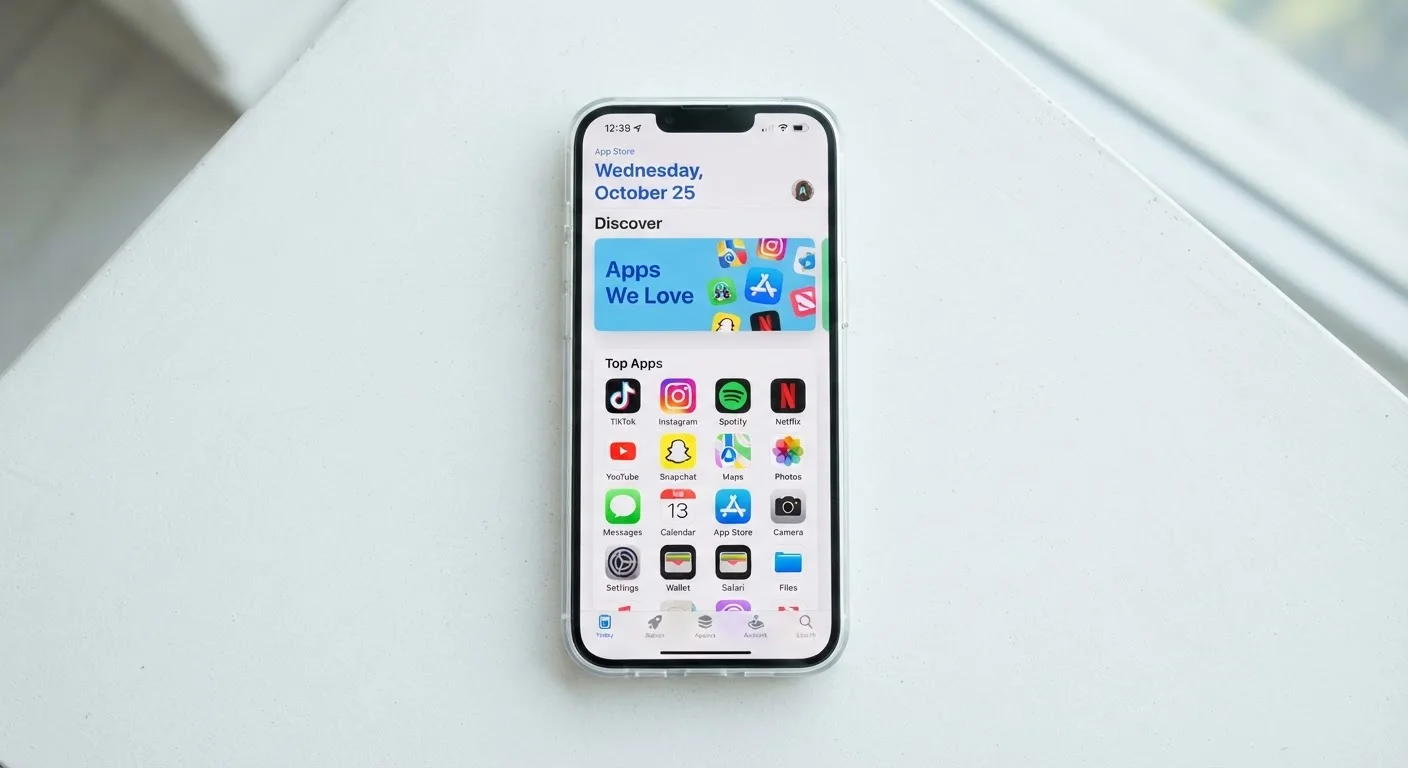
App stores - primarily Apple's App Store and Google Play - function as centralized marketplaces where developers submit software for distribution to device users. At a basic level, the process works like this: a developer builds an app, submits it for review, and the platform decides whether it meets the store's guidelines before making it available for download.
Apple uses a human-review process that evaluates apps against its App Store Review Guidelines, covering everything from privacy practices to content standards. Google Play relies more heavily on automated systems, supplemented by manual review for flagged apps. Neither process is infallible - low-quality or harmful apps have appeared on both platforms.
Both stores take a revenue cut - historically around 15-30% - on paid apps and in-app purchases made through their payment systems. This business model shapes how both platforms invest in and police their stores. For context on how app-based software compares to other delivery methods, see our comparison of native apps and browser-based tools.
Check the Developer's Track Record
Before downloading any app, tap the developer's name in the store listing to see their other published apps. A developer with a consistent portfolio and responsive update history is generally a better signal of trustworthiness than star ratings alone.
App Discovery: Why You See What You See
When you open an app store and browse featured apps or search results, you're looking at the output of ranking algorithms - not a neutral list of the most useful software. Both platforms use signals including download volume, user engagement, ratings, and update frequency to determine what surfaces prominently.
Developers can also pay for placement through advertising programs, meaning the top result for a search isn't always the most relevant or highest-quality option. Featured sections ("Editor's Choice," "App of the Day") are curated by platform editorial teams, but commercial relationships can influence which developers get that visibility.
3.5M+
Apps available on Google Play
As of recent platform reporting, Google Play hosts over 3.5 million apps, making discovery algorithms a dominant factor in what users find.
~30%
Platform commission on in-app revenue
Both Apple and Google historically charged up to 30% on in-app purchases, though reduced rates apply for smaller developers and qualifying subscriptions.
48 hours
Typical Google Play refund window
Google Play generally allows refund requests within 48 hours of purchase; requests outside that window are evaluated case by case.
Practical takeaway: when searching for an app, scroll past sponsored results, sort by rating rather than relevance when possible, and look for apps with a large review count alongside a strong score - not just one or the other.
Ratings, Reviews, and What They Leave Out
A 4.8-star rating sounds reassuring, but star ratings have significant blind spots. Review manipulation - through incentivized reviews, coordinated rating campaigns, or fake accounts - has been a documented problem on both major platforms. Additionally, platforms periodically reset or filter review counts, which can make an older, well-established app appear newer than it is.
What reviews often don't capture: how an app behaves after a major update, whether it works well on older hardware, or whether its privacy practices have changed. A glowing 2019 review tells you little about a 2024 version of the same app.
Always read the 'What's New' section of an app's latest update before installing it - not just the rating. Developers are required to disclose meaningful changes there, and it often reveals more than the listing itself.
Update notes are one of the few disclosure points that developers control directly and that reflect the current version, not the app's original state at launch.
Sort reviews by 'Most Recent' rather than 'Most Relevant' when evaluating an app you're about to download. Platforms often surface older positive reviews by default, which can mask problems introduced by recent updates.
Algorithm-curated review sorting tends to favor high ratings, which can suppress legitimate critical feedback about recent changes in app behavior.
Cross-referencing app store ratings with independent tech publication reviews, or checking the app's recent update notes (found in the store listing under "What's New"), gives you a fuller picture before downloading.
Updates, Permissions, and Privacy
App updates are generally beneficial - they patch security vulnerabilities, fix bugs, and add features. But updates can also introduce new permission requests, change data-sharing practices, or alter the app's behavior in ways not prominently disclosed.
Both iOS and Android require apps to request access to sensitive device features - your camera, microphone, contacts, location - but those requests can be bundled with updates rather than surfaced during installation. Reviewing the permissions list for any app before downloading, and revisiting it after major updates, is a meaningful privacy habit. For a plain-language breakdown of what different permissions actually mean, see our guide on app permissions and privacy.
Permission Creep Is Real
Apps can request new permissions through updates without triggering a prominent notification. On both iOS and Android, you can review and revoke individual app permissions at any time through your device's Settings menu - you don't have to accept every request to keep using an app.
If an app you already use suddenly requests permissions that seem unrelated to its core function - a flashlight app asking for contact access, for example - that's a signal worth investigating before granting it.
In-App Purchases, Subscriptions, and Refunds
The majority of apps listed as "free" generate revenue through in-app purchases (one-time unlocks or consumables) or subscriptions (recurring charges). Both models are legitimate, but they come with pitfalls consumers should understand.
Subscriptions initiated through an app store are billed by the platform, not the developer - meaning you manage and cancel them through your Apple ID or Google account settings, not necessarily through the app itself. Many users discover they're still being charged after deleting an app, because deleting the app does not cancel an active subscription.
Refunds are available on both platforms but governed by narrow time windows and specific conditions. Apple's refund process runs through reportaproblem.apple.com; Google Play handles refunds through the Play Store's order history. Both platforms generally limit refund eligibility to within a short window of purchase. For help auditing what you're currently paying for, our subscription audit guide walks through the process step by step.
Deleting an App Does Not Cancel a Subscription
This is one of the most common and costly misunderstandings about app store billing. If you subscribed through the App Store or Google Play, you must cancel through your platform account settings - not by uninstalling the app. Check your active subscriptions in your Apple ID or Google account settings to see exactly what is being charged and when.
What App Stores Don't Tell You
There are several things app store listings routinely omit or obscure. Data privacy labels - introduced on both platforms in recent years - summarize what data an app collects, but they are largely self-reported by developers and not independently verified at the time of listing. A label saying "Data Not Collected" reflects developer disclosure, not a platform audit.
App store listings also don't tell you whether an app has previously been removed for policy violations and re-listed under a new name, how frequently an app has changed ownership (acquisitions can mean new data-sharing practices), or what happens to your data if the developer shuts down.
Understanding what's missing from a listing is just as important as reading what's there. For related context on how apps behave once installed, our article on troubleshooting app errors covers what to do when something goes wrong. And if you're evaluating whether a mobile app or desktop software better suits a particular task, see our comparison of desktop software and mobile apps.
“The app store model gives platforms enormous power over which software reaches consumers and on what terms. Users benefit from security screening, but it's important they understand that curation is also shaped by commercial incentives - not just safety.”
— Electronic Frontier Foundation, Digital rights nonprofit